
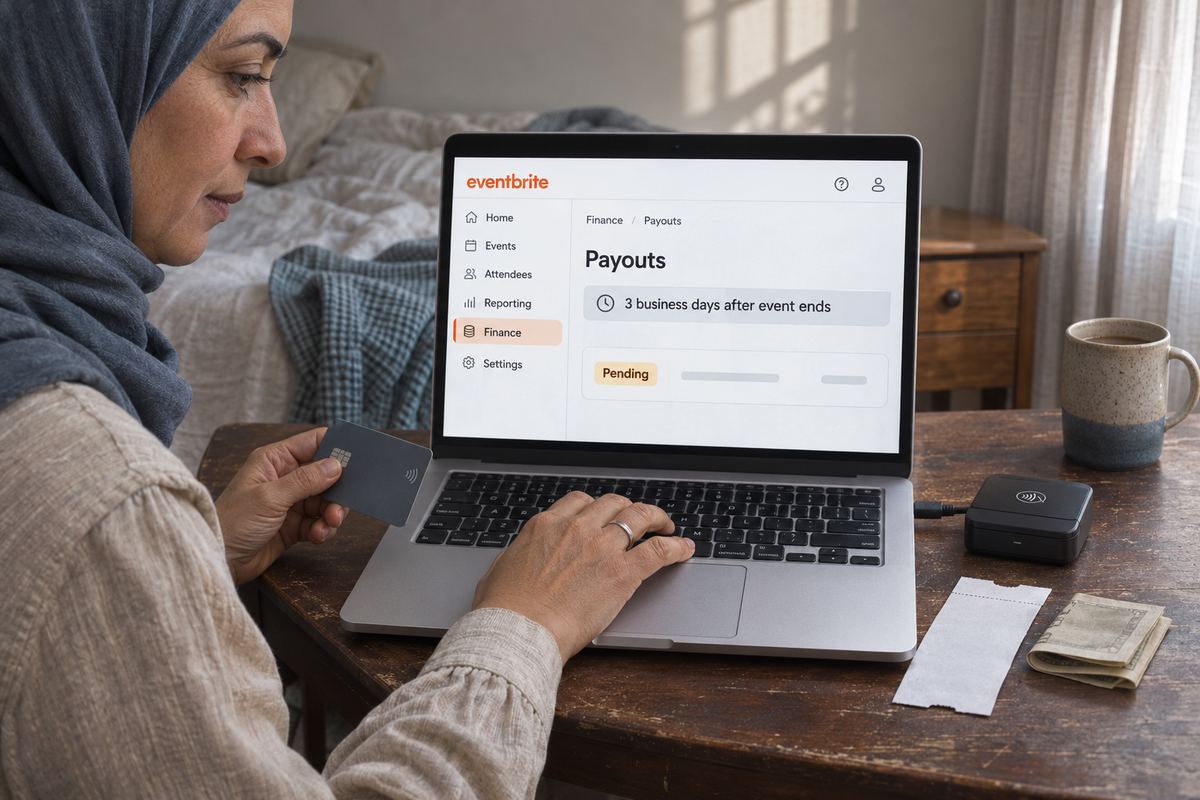
Your workshop went well, the room was full, and the venue invoice is due. You open your bank app and the ticket money from Eventbrite isn't there. Or the event is still two weeks away and you were counting on the sales to pay the deposit.
When Eventbrite processes the payments, which it calls Eventbrite Payment Processing, the money doesn't reach you as each ticket sells. Eventbrite's help center says it sends your payout three business days after your event ends, and that your bank can then take another 2 to 3 business days to post it to a U.S. account, or 5 to 7 business days outside the U.S. If it has been longer than that, something is usually missing, and Eventbrite's own pages say where to look.
Sell class and event spots from a free OneSol page. Each payment goes straight into your own Stripe or PayPal account at the moment someone books, and your processor's normal payout schedule applies.Make your event page →Check the payout status first
Go to 'Manage my events', then 'Finance', then 'Payouts'. Each payout has a status, and the wording tells you which section below to read. While you are there, search your inbox and spam folder for messages from an @eventbrite.com address, because Eventbrite emails you when something is missing.
- 'Processing': Eventbrite will send the payout on the next business day.
- 'Sent': the payout is on its way to the payout method you chose. From here it is your bank's timing. See cause 3.
- 'Returned': your bank didn't accept the payment. See cause 3.
- 'Cancelled': shown on the original payout after you reissue a returned one, because reissuing cancels the original.
- 'Expired' (U.S. only): a check payout wasn't deposited within 90 days.
- No payout listed at all: Eventbrite says it hasn't begun processing yet. Work through causes 1 and 2.
Cause 1: The payout isn't due yet
This is the most common one. On the default schedule, which Eventbrite calls 'After your event', each event gets a single payout three business days after it ends. Count business days, not calendar days: Eventbrite says a payout that falls on a weekend or holiday starts processing the next business day. A class that ends on a Friday has its payout sent the following Wednesday, and a U.S. bank may take until Friday or Monday to post it.
If you are new to Eventbrite, your first payout is sent after your event ends; the earlier payout options only appear once you have hosted a paid event and received a payout. So if the event hasn't happened yet and you have no earlier schedule, nothing is due. If you need money sooner next time, see the section on getting paid before the event.
Cause 2: Your payout details aren't finished
Eventbrite won't send money until it has somewhere to send it and knows who it is paying. There are three separate pieces, and any one of them can hold a payout. Once the missing piece is in place, Eventbrite says the status may not switch to 'Processing' straight away; pending payouts are typically sent the next business day.
- A bank account on the event. Open the event, go to 'Payments & tax', then 'Payment options', and check the payout method. A bank account set as your default doesn't apply to events that already have a payout method, or that ended more than 60 days ago, so check the event itself.
- Adding a bank account. Go to 'Manage my events', 'Finance', 'Settings', select 'Add bank account', enter the details and select 'Add'. Saved payout methods can't be edited; to change one, add a new bank account.
- Verification through Stripe. If your bank is in Australia, Canada, the UK or the US, Eventbrite verifies your financial information through Stripe, and you can't receive a payout until it's done: first 'Know Your Customer' details in your 'Organization information', then your bank details. If Stripe needs more, you'll see a notification when you log in. Documents for bank account verification must be less than a year old.
- Taxpayer information. Eventbrite asks U.S. citizens for a Form W-9 and says that without it, payouts are held once you go over $20,000 in sales and 200 or more transactions across all your events in a calendar year. Non-U.S. citizens who meet its requirements complete a Form W-8 instead. Enter it under 'Manage my events', 'Finance', 'Settings', 'Taxpayer Info', then select 'Submit'. Only the account owner can do this, and the details must match the bank account that receives your payouts.
Cause 3: The bank returned it, or it was sent and hasn't landed
A 'Returned' status means your bank rejected the payment. Eventbrite says this happens when the event's payout details don't match your bank's records, and it tells you by email or on your event dashboard.
- To reissue a returned payout: go to 'Manage my events', 'Finance', 'Payouts', find the returned payout and select 'Reissue'. Choose an existing payout method or add a new one, then save. If it works, the status shows 'Processing'.
- A reissued payout can take up to five business days to reach a U.S. bank account, or up to seven business days in other countries.
- For a 'Sent' payout that hasn't arrived within five business days, open it and note its Trace ID, then give that to your bank so it can track the deposit. Trace IDs exist for U.S. payouts only.
Cause 4: A review, more than 60 days, or deductions you didn't expect
If your details are complete and nothing was returned, check these. If none of them fits, contact Eventbrite support from the help center with your event name and the payout amount you expected.
- A review. Eventbrite's Instant Payouts page says all Eventbrite payouts are reviewed and could be delayed, declined or blocked if an issue is identified, and its Merchant Agreement lets it withhold payments if your registration information looks inaccurate or incomplete. Answer any request promptly.
- More than 60 days. If it has been over 60 days since your event ended, the payout won't send automatically. Contact Eventbrite so it can check eligibility and release it manually.
- Refunds and chargebacks. A refund made after a payout, when the event doesn't have enough left, comes out of your next available payout, or is invoiced if none happens by month end. A chargeback the cardholder wins is charged the same way, as the order amount minus Eventbrite's service and processing fees.
- Fees and taxes. Payouts are based on net sales, meaning total revenue minus Ticketing Fees and taxes, while your event dashboard shows gross sales. Tax that Eventbrite collects and remits for you isn't in the payout; sales tax you added yourself is.
Getting paid before the event
If you need ticket money for the venue before the event, Eventbrite has two options for organisers using Eventbrite Payment Processing. Neither is available until you have run a paid event and been paid out once.
- Scheduled payouts. Go to 'Manage my events', 'Finance', 'Settings', 'Payout schedule', choose 'Weekly' (processed on Wednesdays) or 'Twice a month' (the 1st and 15th), and select 'Confirm schedule'. It applies straight away to every event in your organization. You need owner or admin access; if you aren't eligible, the option doesn't appear.
- Instant Payouts. Some U.S. organizers with an upcoming or active paid event in USD see 'Get paid instantly' on the event dashboard; it also needs an earlier Eventbrite payout to the same bank account. Eventbrite says it typically arrives within minutes rather than days, and it charges a percentage fee on each instant payout, so check the current fee and per-payout limit on the screen before you confirm.
- What stays back. With either option Eventbrite holds 20% of net sales in reserve for refunds, chargebacks and cancellations, released in the final payout after the event. Pre-event payouts are capped at $100,000 USD, or the equivalent, across all your active events.
- Selling through PayPal instead. Where Eventbrite Payment Processing isn't available for your payout country and currency, you may be able to use PayPal. The ticket money then goes straight to your PayPal account, and Eventbrite invoices its fees monthly. Eventbrite can't see PayPal transactions, so missing money there is a question for PayPal. If the PayPal account stays unverified, Eventbrite says the funds are returned to ticket buyers after 30 days.
Before your next class or event
Do these before tickets go on sale, not when the venue invoice arrives.
- Add a bank account to the event under 'Payments & tax', 'Payment options' before you publish, not after the event ends.
- Finish 'Organization information' and any Stripe verification request the day it appears.
- If you own the account, fill in 'Taxpayer Info' now rather than waiting to hit the threshold.
- Put the real payout date in your diary: the event end plus three business days, plus your bank's posting time. Don't promise the venue its money the day after the event.
- Once your first paid event has paid out, check 'Payout schedule' to see whether weekly or twice-monthly payouts are offered to you.
- Refund inside Eventbrite rather than by bank transfer on the side. Eventbrite keeps a record of the refund and uses it as evidence if the buyer files a chargeback anyway.
If you'd rather have the money as people book
On a OneSol class or event page, each paid booking is paid at the moment someone books, straight into your own Stripe or PayPal account; OneSol doesn't hold the money or pay it out later, though Stripe's or PayPal's own payout schedule to your bank still applies. It works on the free plan, with a price and optional seat limit per ticket and early-bird dates that end by themselves. There is no check-in scanner and each date is its own event, so plan around those.