
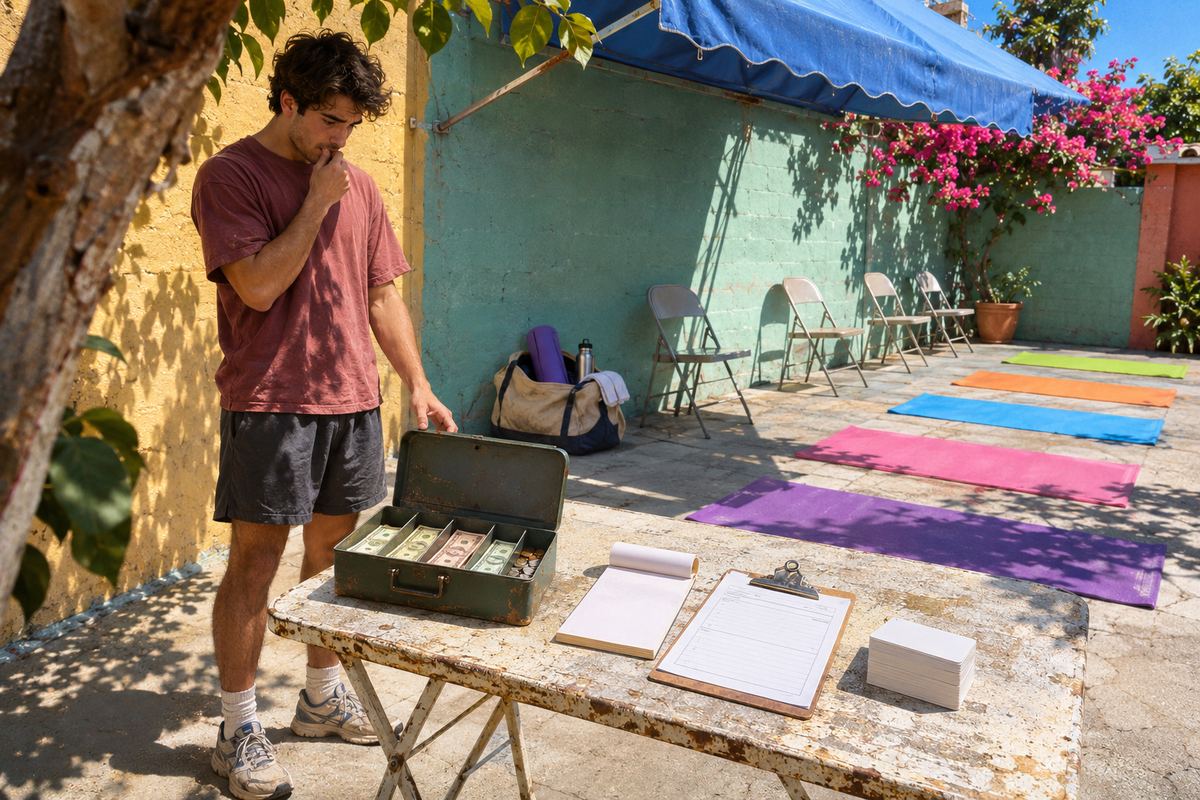
You teach a Tuesday night yoga class, and for two years students have paid the $20 drop-in with a quick Venmo to your personal account and a lotus emoji in the note. Then Venmo flags your account for business use, a transfer to your bank won't go through, or a new student asks whether to send it as a purchase or as friends, and you realize you don't actually know what you're allowed to do.
Venmo's rules are clearer than the notice makes them feel. Its user agreement treats a class fee as a payment for a service, and a personal account isn't meant to take those unless the payment is tagged as a purchase or goes to a business profile. The usual fix isn't a new account. It's a business profile that sits under the login you already have, with no monthly fee and a fee on each payment.
Make a OneSol class page: each class has its own price and number of spots, students pay when they book straight into your own Stripe or PayPal on Pro ($9/month), and booking closes when the class is full.Make your class page →The quick answer
Each point has its own section below, in Venmo's own wording. In short:
- Wondering if it's allowed: not as ordinary personal payments. Venmo allows class fees through a business profile, or when the student tags the payment as a purchase.
- Venmo has flagged or limited your account: do what the app asks, then move class payments to a business profile.
- You teach regularly: create a business profile under the same login (Fix 1).
- You only sell the odd class: ask each student to tag the payment as a purchase (Fix 2).
- Students offering to pay as friends to save you the fee: that payment has no Purchase Protection and is exactly what the agreement prohibits.
- Monthly memberships: Venmo's agreement bars regularly recurring goods and services payments through Pay and Request.
What Venmo's rules say about class fees on a personal account
Venmo's user agreement, effective August 24, 2026, says that except for commercial transactions Venmo expressly authorizes, personal accounts 'may not be used to conduct business, commercial or merchant transactions with other personal accounts'. Its examples include concert tickets, sneakers, apartment deposits and dog walking. A yoga class, a pottery workshop or a guitar lesson is a service in the same way dog walking is.
The same agreement names the two authorized routes: 'You can receive payments for the sale of goods and services only by using a business profile or by asking the sender to identify a payment as for goods and services.' Venmo's help center puts it more bluntly: Venmo 'may NOT otherwise be used to receive business, commercial, or merchant transactions'.
Two more details matter to teachers. Venmo is US only: the agreement says you must be in the United States and have a U.S. bank account to use it. And you may only have one personal account, so opening a second personal account just for class money isn't an option.
If Venmo has already flagged or limited your account
Venmo's help center doesn't publish the wording of a notice about business use on a personal account, so go by what your app or email actually asks for. What the user agreement does spell out is what a review can lead to: delayed, blocked or cancelled withdrawals or transfers, money held, account limitation, suspension or termination, and payments you already received being reversed. One of the reasons it lists is being 'a participant in a transaction for goods and services among personal accounts'. Separately, if selling activity reaches certain thresholds, Venmo may ask for information and documents and limit the account until it gets them.
- Open the Venmo app and follow any prompt on your account first. A review can ask you to verify your identity, and Venmo says it may limit the account until verification is completed.
- Stop taking new class fees as plain personal payments while the review is open.
- Set up a business profile (Fix 1) so future payments arrive the authorized way.
- To reach a person, go to 'Me', 'Settings', 'Get Help', 'Chat With Us' in the app and ask for an agent.
- Don't open another personal account to get around a limit. The agreement allows one per person.
Fix 1: Create a business profile under the same login
A business profile is a separate profile inside your existing Venmo account, not a new account. You switch between personal and business in the app and sign in to both with your personal account's login. Venmo says business profiles are built for individuals or sole proprietors, associations and clubs, and registered businesses. The user agreement adds that the feature is offered at Venmo's discretion and may not be available to all users, and you can only have one.
- In the app: on the 'Me' tab, open the drop-down near the top of the screen and tap '+ Create a business profile'. Or tap the Settings gear, then 'Create Business Profile'.
- On the web: sign in at venmo.com/account/sign-in and select 'Create a business profile' from the menu.
- Say whether your business uses an SSN or an EIN. Without an EIN you can sign up as a sole proprietor with your SSN or ITIN.
- Add a display name, username, short description and category. The list includes 'Dance Halls, Studios and Schools', 'Schools and Educational Services', 'Recreation Services' and 'Vocational and Trade Schools'. Changing the category later means contacting Support.
- Add a profile photo and background, your mailing address and the public contact details you want customers to see, preview the profile, then publish it.
- Complete identity verification, which only works in the app: switch to the business profile, tap the Settings gear near the top of the Profile tab, then 'Identity Verification'. Until it passes, the profile can't send or receive payments or move money to your bank.
Two traps when setting it up
Get the private details right the first time. Venmo says the legal business name, EIN, registration type, business phone number, contact address and business type can't be changed once the profile is created.
Don't go looking for a 'business account'. Venmo's agreement mentions business accounts as a separate product and says it is not currently accepting applications for new ones. What a teacher needs is a business profile.
Getting students to pay the business profile
Students can't find a business profile by your phone number or email. Venmo says to search for the business name or username, and businesses show under 'Top Businesses' or the 'Businesses' tab, while the 'People' tab only shows personal profiles. At the studio, your QR code is quicker: on the business profile, tap 'Charge' at the bottom of the app, then 'QR Code', and let students scan it. Every payment to a business profile is tagged as a purchase automatically, so nobody has to remember a toggle.
Expect some holds at first. Venmo's page on payment holds for businesses and sellers lists being a new seller among the common causes and says held payments are released within 21 days. Business profile payments, like purchase-tagged ones, also count toward Form 1099-K reporting, which is why Venmo asks for your tax details.
What a 1099-K means and the current thresholdsFix 2: Ask students to tag the payment as a purchase
If you only sell a class now and then, the other authorized route is for the student to tag the payment as a purchase. After the student enters the amount and taps 'Pay', Venmo's help center says 'there may be a toggle shown below your payment method', and switching it on tells Venmo it's a purchase. The help center doesn't give the toggle a name, and it says the option isn't available for every payment, so you can't count on every student seeing it.
- Venmo notifies you that the payment was tagged as a purchase, and the seller fee comes out of what you receive.
- There's no way to un-tag a payment afterwards.
- If you refund, Venmo keeps the fee, so you cover it to return the student's full payment. A refund from a personal profile is a new payment, not linked to the original.
- Venmo's own advice for people who sell often is a business profile.
What each route costs, and why 'friends' payments are a bad trade
Venmo's Fees page currently lists these seller fees. They come out of the payment you receive, and Venmo can change them:
- Personal payments that aren't for goods or services: $0.00.
- Payments into your personal account that the sender identifies as for goods and services: 2.99%.
- Payments to a business profile: 1.9% + $0.10. Tap to Pay card payments have their own rate.
- On a $20 drop-in, that works out to about $0.48 on a business profile and about $0.60 on a tagged personal payment.
- A few other Venmo pages quote different figures, so check the Fees page and the amount the app shows. Refunding never returns the fee you paid as the seller.
The cost of skipping the fee
Letting students pay as an ordinary personal payment saves the fee and costs you more. Venmo's agreement says it should only be used with 'people you know and trust', and that unless Venmo expressly authorizes a payment for a good or service, paying or receiving one is prohibited. Personal payments, including those marked as between friends, aren't covered by Venmo Purchase Protection.
Payments to a business profile, or tagged as goods and services, can be. A student can open a dispute in the app if a service wasn't provided. As a seller, Venmo can protect you against some unauthorized-payment and not-received claims, but for a service the agreement says the payment must be marked 'Purchase Protected' or 'eligible purchases protected' on its transaction details page, or Venmo must have told you in writing that it's eligible, and you'll need proof it was delivered. Keep your booking list or attendance record.
Monthly memberships and Venmo's rule on recurring payments
If students pay you a monthly fee, read one more line of the agreement: 'You may not send regularly recurring payments for goods and services using the Pay and Request feature in your Venmo account (for example, every month or otherwise on a routine billing cycle).'
The rule is written about sending, and Venmo's docs don't spell out how it treats a teacher who requests the same membership fee every month. If monthly memberships are most of your income, ask Venmo support before building them on Pay and Request, or use a payment tool made for subscriptions.
When a payment app isn't a booking system
Even set up properly, a business profile only moves money. It doesn't know how many mats you have, who is coming on Tuesday or when the class is full. If what you need is a page where students book a spot and pay for it in one go, a class booking page does that job.
On a OneSol event page, each class has its own price and number of spots, students pay when they book straight into your own Stripe or PayPal account, booking closes by itself when the class is full, and each student gets a confirmation email with a calendar file. Know the limits: each class date is its own event because there's no repeating weekly schedule yet, there are no class packs that count down, and there's no waitlist or automatic reminder before class. Taking payments needs OneSol Pro, $9/month (first month $1), and OneSol takes no cut of what students pay.