
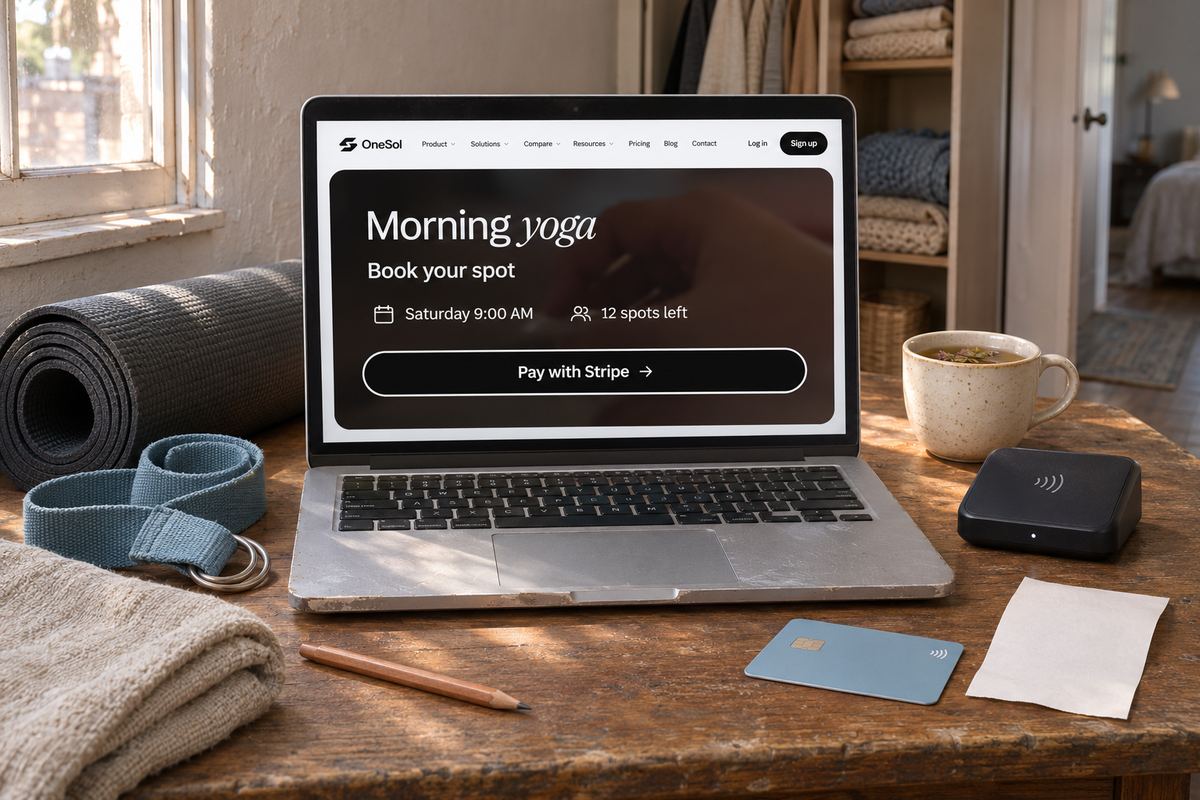
Most people who teach a class run the bookings from their phone. Someone asks if there is space, someone else asks how to pay, a third person sends a bank transfer screenshot, and on Saturday morning you still don't know how many mats to put out.
We made a short video about that week, and about the other way to run it. It follows Maya, a yoga teacher, from a studio with two students in it to a full class, and every screen in it is the real OneSol product. Watch it first, then the steps are below.
The problem the video starts with
The first ten seconds are the part most teachers know already. The class is not short of interest. It is short of a place where interest turns into a booked, paid spot.
When bookings live in messages, three things go wrong. People who meant to come never got a clear answer, so they don't. People who said yes never paid, so you can't count them. And you end up chasing money after class instead of before it. A booking page fixes all three by asking for the payment at the moment someone says yes.
Step 1: describe the class in one sentence
In the OneSol dashboard, choose Plan an event and type what the class is, the way you would tell a friend. Something like: Slow Flow Yoga, Saturday at 9 AM, online, 12 spots, $15.
Sol, OneSol's assistant, turns that into an event: a title, a short description, the date and time, how many spots there are, and one to three tickets. Treat it as a first draft that you check in the next step, which is where the video slows down.
Step 2: check the date, the price and the spots
The draft opens in the event builder. This is the part to read properly, because it is what students will see and pay for.
- The date, the time and your timezone, so students in another city see the right start time.
- Online or in person. For an online class, add your Zoom or Google Meet link here. It stays off the public page and is emailed to each student once their spot is confirmed.
- The ticket price, and how many spots there are. Booking closes by itself when the class is full.
- A second ticket if you want one, such as an early-bird price that stops selling on a date you pick.
- Discount codes work at checkout too, if you give regulars a lower price.
Step 3: share one link
Copy the class link and put it where your students already are: your Instagram bio, the class WhatsApp group, an email to last month's students, or a QR code on the studio wall.
The page shows the class, the time and the tickets, with one button to book. A student can add friends when they book, up to 20, and each guest counts against your spots.
Step 4: students book and pay, and the money goes to you
The end of the video is the reason to do any of this. Each booking is paid at the moment it is made, through the payment account you connected, such as your own Stripe or PayPal. OneSol does not sit in the middle holding the money, so it reaches you on that account's normal payout schedule, and a refund is made from the same place.
You get an email for every booking, and the student gets a confirmation email with the time and a calendar file to add it to their phone. On the free plan nothing is taken from your sales today. A small fee on each sale will apply in future, and we will email you before it starts.
What it doesn't do yet
It is better to know this before your first class than after it. These are the limits as of today:
- Each class date is its own event with its own link. There is no repeating weekly schedule yet.
- There are no class packs that count down, such as a 10-class pass.
- There is no automatic reminder before class. Students get one confirmation email with the calendar file.
- There is no waitlist. When the class is full, booking simply closes.
Try it with your next class
Pick the next class you are running, not a perfect future schedule. Type it in one sentence, check the four things in step 2, and send the link to the people who usually message you about it. If the questions in your inbox drop to zero, it worked.
The same page works for other classes too: fitness sessions, CPR courses, workshops and music lessons. Our page for yoga classes has an example class and the setup in more detail.