
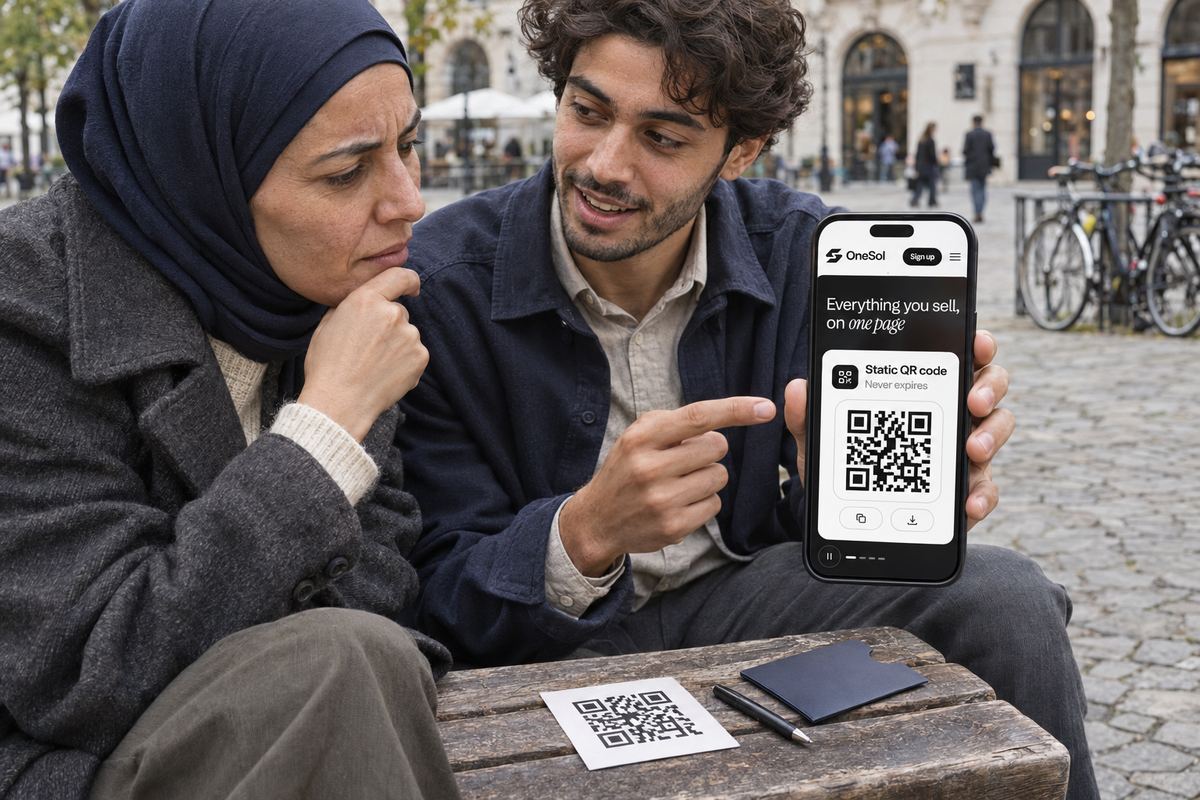
Search for a free QR generator and most of what you'll find hands you a code that points at their domain, not yours. Scan it and you're redirected. That redirect is the product: it can be metered, paywalled, or switched off.
It usually isn't malice. It's a business model. But it means the poster you printed a thousand of is only as permanent as somebody else's free tier.
Static vs dynamic
A static QR has your link encoded directly into the pattern. There's no server in the middle, nothing to meter, and nothing that can be turned off. Once the image exists it will scan to the same place forever — even if the site that made it disappears.
A dynamic QR points at a redirect you control, which is genuinely useful when you need to re-point a printed code later. The trade is that it only works while that redirect is alive.
Which one you want
For a printed menu, a business card or a poster with a link that won't change, take the static code and keep the file. For a campaign you might re-point next month, use a link you own — your OneSol page — and let the QR point at that. Then the code is static and the destination is still yours to change.
Check a Code Before You Commit It to Print
Treat every generated code as a suspect until you've proven where it lands. Scan your own QR with a plain camera app and read the URL it surfaces before you tap. If the address is your own domain — yourname.onesol.io — the link is baked into the pattern and nobody can move it. If it's a stranger's domain with a short code on the end, like qr.example/aB3x, you're holding a redirect somebody else operates.
There's a second tell for the technically minded. Paste the image into any QR decoder, or open the file in a viewer that shows the encoded text, and read the raw string. A static code shows your full link in plain sight; a dynamic one shows the generator's tracking URL. It takes thirty seconds and it's the difference between a poster that still works in two years and one that quietly dies.
Do this before the print run, not after. A thousand flyers with a dead code is an expensive lesson, and reprints rarely reach the people who already binned the first one.
Print It So It Actually Scans
A permanent code is still useless if the camera can't read it off the material. Most failed scans aren't about static versus dynamic at all — they're contrast, size and margin. A pale grey code on a cream menu, or one shrunk to fit a corner, will frustrate people long before it ever expires.
The quiet zone — the blank margin around the pattern — is the rule people break most. A QR needs clear space on all four sides to be found; crop it tight against a photo or a headline and scanners hunt for it and give up. Give it room, and test it on the actual surface, under the light it'll live in, not on your screen.
- Keep strong contrast: a dark code on a light background, never the reverse, and never laid over a busy photo.
- Print it at least 2–3 cm square for a handout, and larger for anything read from a distance like a poster or window.
- Leave a clear quiet-zone margin all the way around — roughly the width of four pattern squares.
- Scan the finished print with two or three different phones before you order the full run.
Don't Undo It With a Throwaway Short Link
The clever move — a static QR pointing at a link you can re-point later — only holds if the link itself is one you own. Route it through a free bit.ly-style shortener and you've reintroduced the exact dependency you were avoiding: the shortener's free tier, its uptime, its decision to keep that redirect alive.
Point the static code at your own page instead — your OneSol link — and you get both halves. The pattern never changes because it's encoded once, and the destination stays yours to edit whenever the offer behind it moves. Swap the product, retire the campaign, redirect the whole page; the printed code doesn't care.