
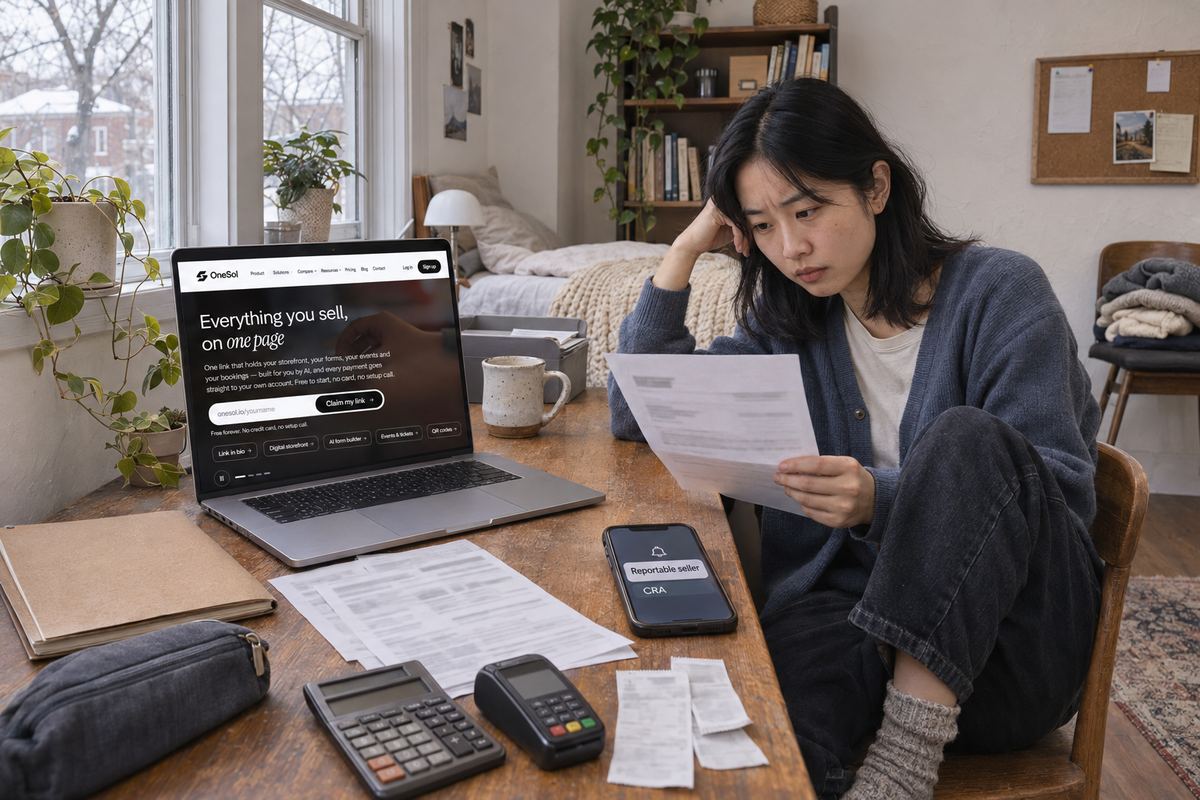
An email arrives from Etsy, eBay, Airbnb, Uber or another app: you have been identified as a 'reportable seller', the platform will be sharing information about your sales with the Canada Revenue Agency, and it needs your tax identification number. Or, early in the year, you get a document showing what was already reported about you.
This is not an audit, and it is not a sign that you did something wrong. It is a yearly information return that most platforms operating in Canada now have to file. The quick answer: check that the figures are right, make sure the income is on your tax return, check whether you have crossed the GST/HST registration threshold, and fix anything wrong with the platform directly. The rest of this guide covers each step in the CRA's own wording.
What these rules are, and when they started
The CRA calls them the Reporting Rules for Digital Platform Operators. They are in Part XX of the Income Tax Act and are based on the OECD's Model Reporting Rules for Digital Platforms. The CRA says the bill received Royal Assent on June 22, 2023.
According to the CRA's guidance, the rules took effect on January 1, 2024, and the first reportable period is the 2024 calendar year. Platforms filed the first Part XX information returns by January 31, 2025. From then on the cycle is the same every year: the reportable period is the calendar year, the platform files by January 31 of the next year, and it must give each reportable seller a copy of their information by that same January 31.
If the platform asked for your SIN or business number as part of this, that is the tax identification number the rules require it to collect. We cover that request in a separate post on why platforms ask for your SIN in Canada. This guide is about the report itself.
Sell from a free OneSol page through your own Stripe or PayPal account, so every sale lands in one account you can match against your records. Free plan included.Start free →Which activities are covered, and who is left out
The CRA's guidance lists four relevant activities. Only sellers who carry out one of them through a platform can be reportable. Buyers are not covered at all; the CRA says their information is not shared or reported.
- Rental of immovable property, short or long term. Think Airbnb hosts and other accommodation platforms.
- Rental of a means of transportation, such as renting out a car through an app.
- Personal services: time- or task-based work done by an individual at a user's request, such as rides, deliveries, cleaning or freelance tasks booked through an app. Services you provide as an employee of the platform are excluded.
- Sale of goods. The CRA says goods means tangible property only, so intangibles such as audiobooks and software licences (its own examples) are not goods for these rules. That income is still taxable; it just isn't part of this report.
- You are an excluded seller, and not reported, if you had fewer than 30 sales of goods in the calendar year and total consideration of no more than $2,800. This exclusion covers sales of goods only. It does not cover rides, services or rentals.
- Also excluded: governmental entities, entities whose stock is regularly traded on an established securities market, and entity sellers with more than 2,000 rental services for a single property listing in the year.
- You must also be an active seller, meaning you provided a relevant activity in the year or were paid or credited for one. A dormant account with no sales is not reportable.
What the platform reports about you
The CRA's 'What information is shared' page lists the reportable details. The copy the platform sends you by January 31 should show the same things, so it is worth reading line by line.
- Identification: your name, primary address, each jurisdiction where you are resident for tax, your tax identification number and the country that issued it, and any financial account identifier the platform has, such as the account your payouts go to.
- For individuals, your date of birth. For businesses, the legal name and, where one exists, the business registration number.
- If payouts go to an account in someone else's name, that account holder's name and details, where the platform has them.
- For each calendar quarter: the total consideration paid or credited to you, the number of relevant activities, and any fees, commissions or taxes withheld or charged by the platform. The CRA defines consideration as compensation in any form paid or credited to a seller for these activities.
- For rentals: the address of each property listing, its land registration number if available, the number of days rented if available, and the type of listing.
- The CRA also exchanges this information with partner countries. If you live in, or rent out property in, a partner jurisdiction, that country may receive it too, and Canada receives similar information about Canadian residents from abroad.
Step 1: Put the income on your tax return
The CRA's platform economy page is direct: residents are required to report their worldwide income from all sources, and if you earn income through digital platforms you may be considered self-employed. Self-employment income goes on lines 13499 and 13500 of your return, with Form T2125, Statement of Business or Professional Activities.
For short-term rentals the form depends on what you provide. The CRA treats the income as rental income if you rent space and provide only basic services, reported on Form T776, Statement of Real Estate Rentals. If you provide other services to guests, it may be self-employment business income on Form T2125. Ride-share drivers must report all income, including tips.
Notice that the platform reports consideration and, separately, the fees and commissions it took. Your own figures should start from the same totals, then record your business expenses where the form allows. The CRA asks you to keep track of all the income you earned and the expenses you incurred for business purposes, so keep receipts and payout statements.
- Missed platform income in an earlier year? The CRA's own suggestions are to change your income tax and benefit return, adjust your GST/HST return if you are registered, or apply to the Voluntary Disclosures Program.
- The Voluntary Disclosures Program only accepts applications made voluntarily, meaning before you become aware of any CRA compliance action, and the application must include payment of the estimated tax owing.
Step 2: Check the GST/HST small supplier threshold
Income tax is only half of it. The CRA's GST/HST guide says you are no longer a small supplier, and must register, once your revenue from taxable supplies, together with that of your associates, is over $30,000 in a single calendar quarter or over the last four consecutive calendar quarters. The platform's quarterly totals in your copy make this easy to check.
Timing matters. The CRA's guide explains that if you go over $30,000 in a single quarter, you stop being a small supplier right away and must register within 29 days; if you only go over across four quarters, small supplier status ends at the end of the month after that fourth quarter.
- Commercial ride-sharing is the big exception: the CRA says the $30,000 threshold does not apply, and you must register for, collect and remit GST/HST from the moment you start earning, however little.
- Short-term accommodation, meaning continuous occupancy of less than one month, is subject to GST/HST, and the CRA says you generally must register once you earn more than $30,000 in gross revenue over four calendar quarters from accommodation sharing. Rentals of one month or more of residential premises are exempt.
- Small suppliers can also choose to register voluntarily. Once registered, you generally have to stay registered for at least a year before you can ask to cancel.
Step 3: If the figures are wrong, fix them with the platform
The CRA's tip for sellers is to check that the reported information is accurate and consistent with what you report under your existing tax obligations. Common mismatches are refunds and cancelled orders still counted, a sale landing in the wrong quarter, an old address, or payouts going to a joint or business account you forgot was linked.
The CRA's pages don't describe a correction form for sellers, because the report belongs to the platform. Contact the platform's seller or host support with the exact quarter and amount that looks wrong and your own records. The CRA's guidance says platforms must verify the reliability of what they report and re-verify your details when you tell them something has changed, and that corrections made after the January 31 deadline go to the CRA as an amended return. Whatever happens with the platform, file your own return on what you actually earned and keep the evidence.
- Give the platform your tax identification number when it asks. The CRA says it may assess a $500 penalty for each failure to provide it, and its guidance notes that not providing required information may end your relationship with the platform.
- Enter tax details only inside the platform's own app or website, from an account you logged into yourself. The CRA warns sellers to share information only with trusted platforms and to watch for scams.
Keep your own numbers so next January is easy
The report arrives once a year, but it is broken down by quarter. Keep your records the same way and the January copy becomes a quick check instead of a surprise.
- Download each platform's payout or earnings statement at the end of every quarter and save it with your receipts.
- Track sales, refunds, platform fees and expenses separately, so you can see why your figure and the platform's figure differ.
- Keep a running four-quarter total of taxable sales across all platforms, so you notice the $30,000 GST/HST threshold before you cross it.
- Use one bank account for platform payouts and check that the account the platform has on file is the one you expect.
Selling outside the platforms too
If you also sell directly, you can do it from a free OneSol page through your own Stripe or PayPal account, so every direct sale lands in one account you can match against what the platforms report.